


Say Goodbye to QR Drama: Link Your Android Phone to Windows with One Simple Code
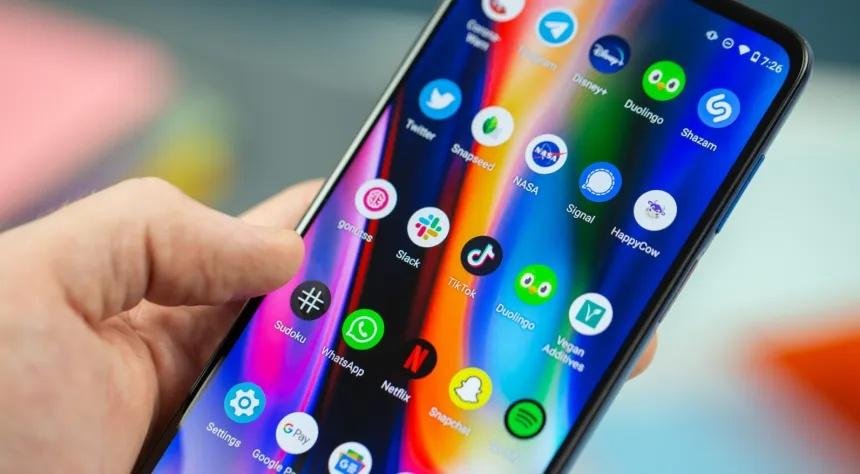
Got a new phone or laptop and just want to link them, only for the Phone Link QR code to turn into a whole ordeal? Blurry camera, bad lighting, or a locked-down office network — three failed scans in and you're ready to give up. There's a much easier way: go to aka.ms/LinkPC and type in the 8-character code it gives you. No camera, no hassle, done in about a minute. This works reliably on Pixels, Samsungs, and budget phones running Windows 10 or 11 — more reliably than QR scanning, honestly.
Why it works
Visiting aka.ms/LinkPC switches Phone Link into manual pairing mode, skipping the camera step entirely. Start on your phone (Chrome works best), sign in with the same Microsoft account you use on your PC, and install "Link to Windows" if prompted. One rule matters most here: always start on the phone. If the PC gets ahead in the process, options can gray out and you'll lose time.
The 60-Second Step-by-Step
-
On your PC: Open Phone Link (install it from the Microsoft Store if needed). Choose Android. When the QR code appears, click "Continue without QR code." Note the Microsoft account shown — but don't click Continue yet.
-
On your phone: Open your browser and go to aka.ms/LinkPC. Sign in with the exact same Microsoft account as your PC. Install "Link to Windows" if asked.
-
Back on your PC: Now click Continue. You'll get an 8-character code, valid for about 10 minutes. Jot it down if you'd like.
-
On your phone: Type in the code exactly as shown (it's case-sensitive), then tap Next. Your PC will show "pairing," then your phone's battery status, notifications, and photos should appear. You're linked.
Tips from real-world experience
-
Starting on the phone is critical — if the PC jumps ahead, pairing often fails.
-
Double-check the account email and capitalization; small typos will block pairing.
-
If your camera's broken or the network restricts QR flows, the code method usually still works.
-
Update Phone Link from the Microsoft Store if pairing seems buggy.
-
On Samsung devices, enable "Link to Windows" in notification settings if it doesn't appear automatically.
What you get once paired
-
Full SMS/MMS access with a real keyboard for typing replies.
-
Desktop notifications with quick-reply or dismiss options.
-
Drag-and-drop for recent photos into documents, emails, or OneNote.
-
Call management from your PC using its mic and speakers.
-
The ability to pin phone apps to your taskbar for quick launching (on supported devices).
Common problems and fixes
-
Different Microsoft accounts: Sign out of both devices and sign back in with the same account on each.
-
Expired code or airplane mode: Restart the process, starting on the phone.
-
Outdated Phone Link app: Update it through the Microsoft Store.
-
Corporate firewalls: Try the code method first — it often gets around QR restrictions. If it still doesn't work, ask IT to whitelist Phone Link.
- more vist link :- https://kongotech.org/mastering-linkpc-setup-for-remote-and-hybrid-workers/

 English
 Arabic
 Spanish
 Portuguese
 Deutsch
 Turkish
 Dutch
Dutch
 Italiano
 Russian
 Romaian
 Portuguese (Brazil)
 Greek
Greek